.png)
You’re All Set!
Your e-Learning Access is on Its Way.
How to Access Your Training
1. Check Your Email
You will receive an automated email shortly containing your login credentials and a direct link to the e-Learning Portal.
(If it doesn't appear in your main inbox within 5–10 minutes, please check your spam or junk folder).
2. Assigning Courses to Staff (For Employers & Managers)
If you purchased licenses for your employees, your welcome email includes details to access your Candidate Management Suite. From there, you can easily input your team’s details, assign modules, and monitor their completion status.
3. Complete Your Course
Simply click your login link, watch the interactive video modules, and complete the brief knowledge checks at your own pace.

Key Information & Certification
Instant Digital Certification - Once you pass the final assessment, your official digital certificate (accredited by body bodies like CPD / IIRSM) will be available to download immediately for your compliance records.
Pause & Resume - You don't have to complete the course in one sitting. Your progress is saved automatically, so you can log back in whenever it suits you.
Device Compatible - The VideoTile platform works seamlessly on desktops, tablets, and smartphones.
Need Help Logging In?
If you haven't received your login email, need to add more staff licenses, or run into technical difficulties with the training portal:
-
Support Email: info@flamefireandrisk.co.uk

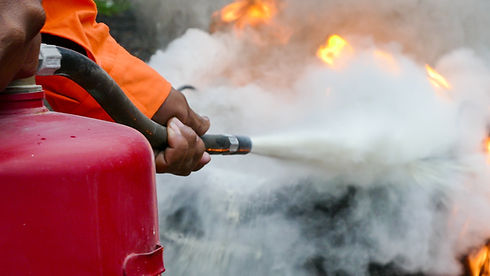
Looking for Practical, Hands-On Fire Safety?
IOnline learning is fantastic for theory and compliance, but nothing beats practical experience. If your business requires on-site Fire Warden practical extinguisher training or a fresh Fire Risk Assessment, our ex-fire service officers are here to help.
Accreditations